Rick is a boy who gets to play with the latest and greatest cell phones and smartphones, and also test out some awesome--and not so awesome--software that goes on them.
Digital cameras have revolutionised photography, but the downside is that most hard drives are now cluttered up with thousands of photos, and keeping track of them all can be a nightmare. Add to that the fact that many imperfect photos can be improved with the right software and you’re left wondering how to manage it all.
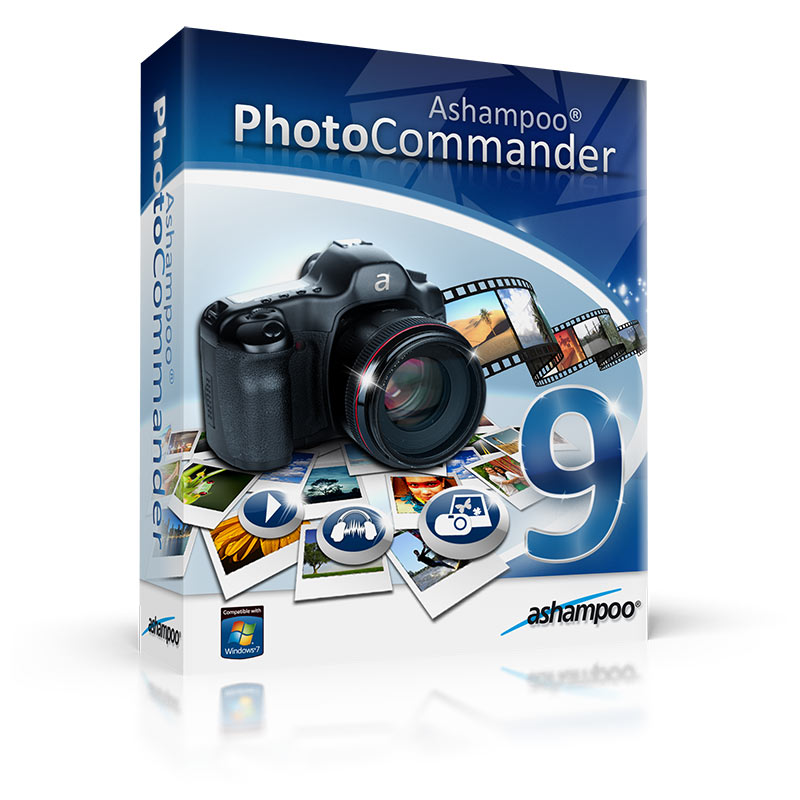
In the past you’d have one program for managing your photos, and another for editing them. These days, though, an increasing number of programs – Ashampoo Photo Commander among them – aim to provide a one-stop shop for organising and fixing all of the images on your computer.
The program splits its feature set into five sections: Common, Quick-Fix, Edit, Create and Organize. All the photo management tools are found under Organize, including batch processing and renaming, duplicate finder and tools for rotating and optimising JPEG files without affecting the quality. Unlike tools like Windows Live Photo Gallery and Picasa, the program doesn’t attempt to catalogue all your pictures; instead, you select photos from your hard drive, or create albums into which you drag and drop a group of photos for easy access in future.
The Quick Fix section enables you to easily and swiftly correct problems like lighting with a single click. It also contains a number of filters, effects and other quick edits. Switch to the Edit tab for more extensive editing controls, or select Create to generate slideshows, collages, calendars, contact sheets and more.
Version 9 adds a new dual-window feature, allowing you to compare the edited photo alongside the original before you commit to any changes. Optimisation tools and video options have also been improved, and new effects added.
Note that you need to get a serial code to use Ashampoo Photo Commander 9. Follow the instructions during installation and make sure you get your code during the 24-hour giveaway period.
IMPORTANT: due to problems with the Ashampoo activation server through Sunday night (which are now fixed), we've extended this promotion until Tuesday March 27 at 23:59 - so everyone has plenty of time to download and activate.
Offer - Upgrade to Ahsampoo Photo Commander 10
The latest version of Photo Commander is on its way. Photo Commander 10 is due imminently, will be packed with new features and available to Photo Commander 9 users at a discounted price.
To upgrade, follow the instructions within Photo Commander 9. Note that upgrading is an option.
How To Get Your Serial Code
Follow the instructions during installation. When installing click on the "Buy now Ashampoo Photo Commander 9" where you will be taken to the Ashampoo website to get a code.
Note that you must activate Photo Commander 9 before 00:00 on Wednesday March 28, Central European Time. These are requirements from Ashampoo as part of this 24-hour giveaway.
IMPORTANT: due to problems with the Ashampoo activation server through Sunday night (which are now fixed), we've extended this promotion until Tuesday March 27 at 23:59 - so everyone has plenty of time to download and activate.
Download Here: Click to Download


No comments:
Post a Comment